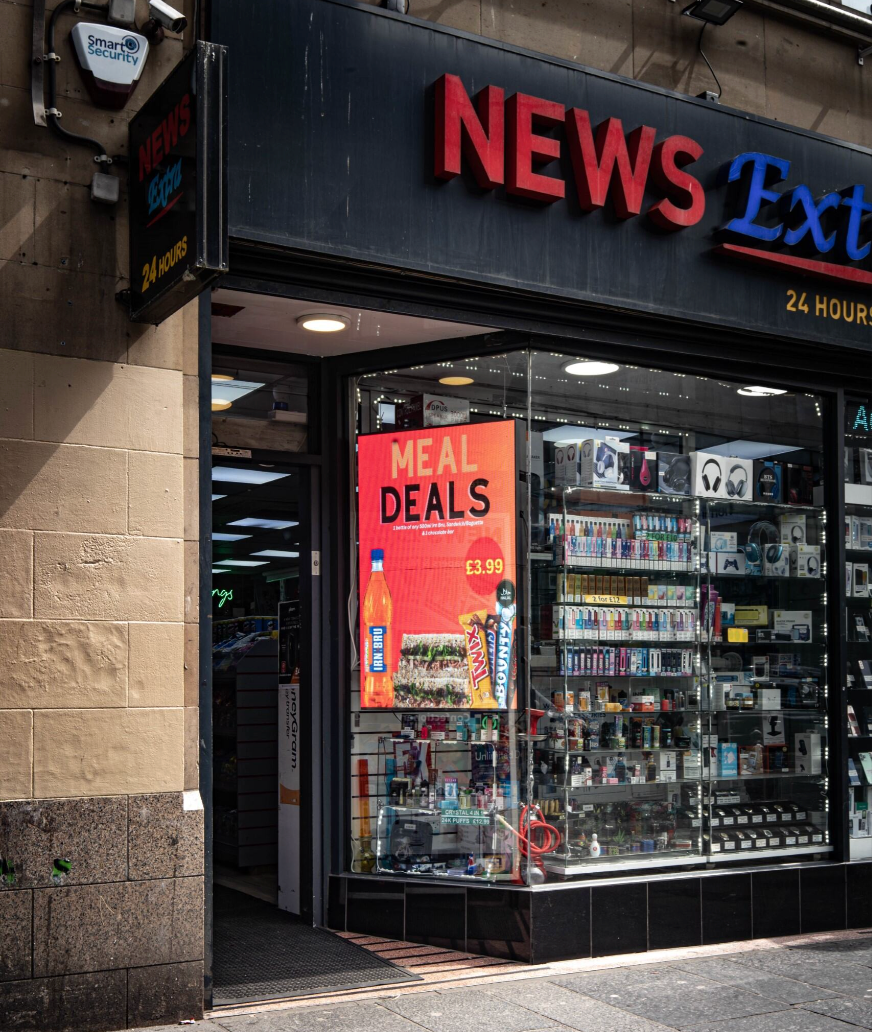
Digital Menu Screens: Why Restaurant Owners Are Choosing the Wrong Display Format and Losing Upsell Revenue
Digital Menu Screens: Why Restaurant Owners Are Choosing the Wrong Display Format and Losing Upsell Revenue
Your digital menu board has been live for six months. You've invested in decent content, updated your promotions regularly, and yet customers are still asking "what's in that?" while staring at their phones instead of your screen. The content isn't the problem. The screen — specifically its format, size, and where it's been bolted to the wall — is quietly killing your upsell potential every single service.
This is one of the most consistent and costly mistakes in hospitality digital signage, and it almost always traces back to one decision made at the purchasing stage: choosing a display based on upfront cost rather than customer sightlines.
The Real Reason Your Digital Menu Board Isn't Converting
Most restaurant and takeaway owners approach digital menu screens the same way they'd buy a television. They pick a size that looks reasonable, choose portrait because it resembles a traditional menu board, and mount it wherever there's a convenient cable run on the wall.
The result is a screen that technically works — it shows your menu — but does almost nothing for your average transaction value.
The issue isn't orientation in isolation. It's the relationship between format, screen size, mounting height, viewing angle, and where customers are standing when they make purchasing decisions. A 32" portrait screen mounted at ceiling height behind a counter is readable only to customers who already know what they want. It does nothing for the customer who's still deciding, who's the most valuable person in your queue.
Upsell moments — sides, upgrades, meal deals, premium drinks — happen in the 15 to 30 seconds before a customer reaches the till. If your screen isn't in their natural sightline during that window, the opportunity is gone.
Rank your Shopify store on Google, get cited by ChatGPT and Claude. 20 free SEO posts a month. Install EmergeRank.
Get EmergeRank free →Portrait vs. Landscape: Choosing Format for the Customer, Not the Cabinet
The portrait format dominates food service environments, and for some layouts it genuinely is the right choice. A narrow section of wall between a door and a serving counter, for example, suits a taller, slimmer display. But portrait has become the default without restaurants asking whether it suits their specific space and customer flow.
Landscape orientation naturally draws the eye across a wider field of view, which is how most people scan a menu. It also supports a tiered layout — mains across the top, sides and upgrades below — which mirrors the natural hierarchy of a purchasing decision. Portrait formats often force content into vertical columns that customers scan top-to-bottom, frequently missing promotional items placed lower on the screen.
The Digital Menu Screen from BuyDigitalSignage.co.uk is available in both portrait and landscape orientations, with sizes ranging from 32" to 55" in portrait and up to 43" in landscape, priced from £499. Running on Android 11 with Ultra HD 4K resolution and 500 cd/m² brightness, these screens are built for the commercial demands of food service environments — but the format you select at checkout still needs to match your floor plan, not just your budget.
If you're operating a wide counter with customers queuing at an angle, a landscape 43" display positioned at eye level will outperform two stacked portrait screens every time.
Mounting Height Is Where Most Installations Go Wrong
Walk into almost any independent takeaway or café and you'll find screens mounted at the highest point of the back wall. This seems logical — it keeps the screen visible over staff heads and equipment — but it creates a fundamental mismatch between where the screen is and where customers are actually looking.
Human resting eye level when standing is typically between 1.5m and 1.7m from the floor. A screen mounted at 2.3m or higher requires customers to tilt their heads upward, which is uncomfortable for more than a few seconds. People stop reading and start guessing, or they default to asking staff — which slows service and removes the self-directed upsell moment entirely.
The correct mounting height depends on your counter depth, the distance from the display to the nearest queuing position, and whether your screen is positioned above or behind service equipment. These aren't guesses — they require a site-specific assessment before a single bracket goes into the wall.
This is precisely why professional installation is worth treating as part of the display budget rather than an optional extra. The Installation Services available at BuyDigitalSignage.co.uk cover digital menu screen installations specifically, with pricing from £310 depending on configuration and screen count. Expert positioning — not just secure fixing — is part of what that service delivers. A screen installed at the wrong height is just an expensive price list.
Screen Size Relative to Viewing Distance Is Frequently Underestimated
There's a common tendency to undersize digital signage display screens in food service settings, often because smaller screens cost less and appear adequate when viewed at close range during a demo or in a showroom.
In an actual restaurant or takeaway environment, viewing distances are longer than they seem. From the back of a six-person queue to the menu screen behind the counter, you might easily be looking at three to four metres of distance. At that range, a 32" screen requires significant effort to read comfortably — especially for smaller text used in ingredient descriptions, allergen notes, or promotional callouts.
A useful rule of thumb: divide your maximum viewing distance (in cm) by 3 to get the minimum recommended screen diagonal in centimetres, then convert to inches. For a 4-metre viewing distance, that suggests a minimum of roughly 43" — and in practice, 50" or 55" tends to serve mixed-age customer groups far better.
The Slimline Digital Poster range offers an alternative approach for venues where a full menu board isn't required — for instance, a secondary screen near the entrance promoting a daily special or a seasonal offer. Available from £410, with portrait variants up to 55" and a landscape 22" option, these displays run on Android 11 with 4K resolution and 500 cd/m² brightness, making them well-suited for proximity placements where impact matters more than information density.
How Digital Signage Display Screens Earn Back Their Cost Through Upsell
The business case for digital signage display screens in food service is straightforward when the installation is right. Screens that are correctly positioned, appropriately sized, and formatted for the way customers move through a space actively influence purchasing decisions. Menus can be updated in real time — pushing high-margin items during peak periods, running limited-time offers during quieter periods, and scheduling breakfast menus to switch automatically to lunch without staff intervention.
None of that functionality matters if customers aren't reading the screen. The technology only earns back its cost when the physical installation respects how people actually behave in your space: where they look, how long they look, and what they're capable of reading clearly before reaching the counter.
Restaurants that get this right see the difference not in engagement metrics but in average transaction values — more sides ordered, more premium options chosen, fewer customers asking what comes with the meal deal because the screen already told them clearly and at the right moment.
FAQ
Q: What's the difference between portrait and landscape digital menu screens for restaurants? A: Portrait screens are taller than they are wide, which suits narrow wall spaces and a single-column menu layout. Landscape screens are wider, better for displaying tiered menus with categories side by side, and generally more aligned with how customers naturally scan options. The best choice depends on your wall layout, counter width, and how far customers stand from the screen.
Q: How do I know what size digital signage display screen I need for my venue? A: A practical starting point is to measure the maximum distance between the screen location and the back of your customer queue. Longer viewing distances require larger screens — a 43" or 55" display is typically more appropriate for counter-service environments than a 32", which can become difficult to read from more than two metres away.
Q: Is professional installation really necessary for digital menu screens? A: For single-screen setups in simple layouts, a competent DIY installation is possible. However, professional installation becomes important when you need multiple screens positioned consistently, when cable management needs to be concealed, or when mounting height and angle need to be optimised for customer sightlines rather than just structural convenience. BuyDigitalSignage.co.uk offers installation services from £310 covering digital menu screen configurations.
Q: Can digital menu screens be updated without technical knowledge? A: Yes. The Digital Menu Screen range runs on Android 11 and supports real-time content updates, allowing you to change prices, add promotions, or schedule different menus for different times of day without specialist technical input.
Make Your Screen Work as Hard as Your Kitchen
The decision most restaurant owners regret isn't buying digital signage display screens — it's buying them without thinking through where they'll go and in what format. A screen chosen for cost that ends up mounted in the wrong place at the wrong height for the wrong viewing distance is one of the more expensive false economies in hospitality.
Before you purchase, measure your space. Map where customers stand and what direction they face during the decision window before the till. Then choose your format, size, and orientation based on that — not on which variant fits the available budget.
If you're ready to get it right from the start, browse the full range of digital signage display screens at BuyDigitalSignage.co.uk — and consider pairing your purchase with a professional installation to make sure every screen earns its place on the wall.